Copper lines are being retired. Keep your numbers, cut call costs and gain features with a cloud PBX — a practical migration guide for South African businesses.

Telkom has been retiring its copper network area by area, moving customers to fibre and wireless. For many businesses that means the analogue lines and ISDN behind their phone system are on borrowed time. The good news: the replacement is cheaper, more flexible and far better suited to how people work today.
Your existing geographic numbers — the 011, 012, 021 or 010 number your clients know — can be ported to a VoIP provider. Porting is planned with a cut-over date so calls keep flowing, and your clients never notice the change.
Copper lines carried their own power; VoIP depends on your network. Put your router, switch and fibre equipment on a UPS, use Power-over-Ethernet switches so desk phones stay on during outages, and add an LTE or 5G backup link. With mobile apps on staff phones, calls continue even when the office is dark. Read more in our guide to fibre failover and SD-WAN.
If you record calls, tell callers at the start of the call and keep recordings only as long as you need them. Recordings are personal information and should be stored securely, with access limited to the people who need it.
Our cloud PBX and voice solutions cover design, number porting, Yealink hardware, installation and ongoing support, with business connectivity to match. Looking further ahead? See how an AI receptionist can answer and route calls for you.
 Devices & IT
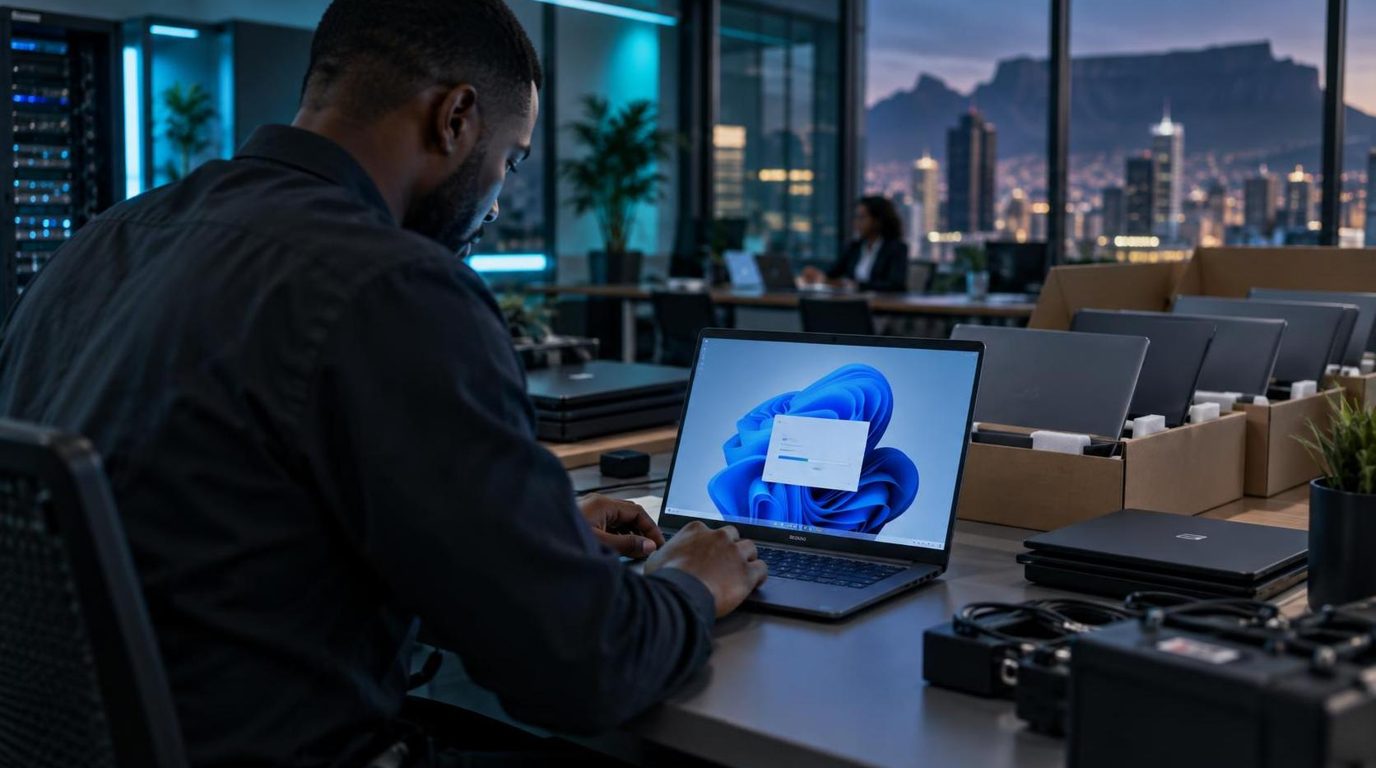
Extended Security Updates buy time, not safety. How to inventory devices, check Windows 11 readiness, decide upgrade vs replace and roll out without downtime.
 Connectivity
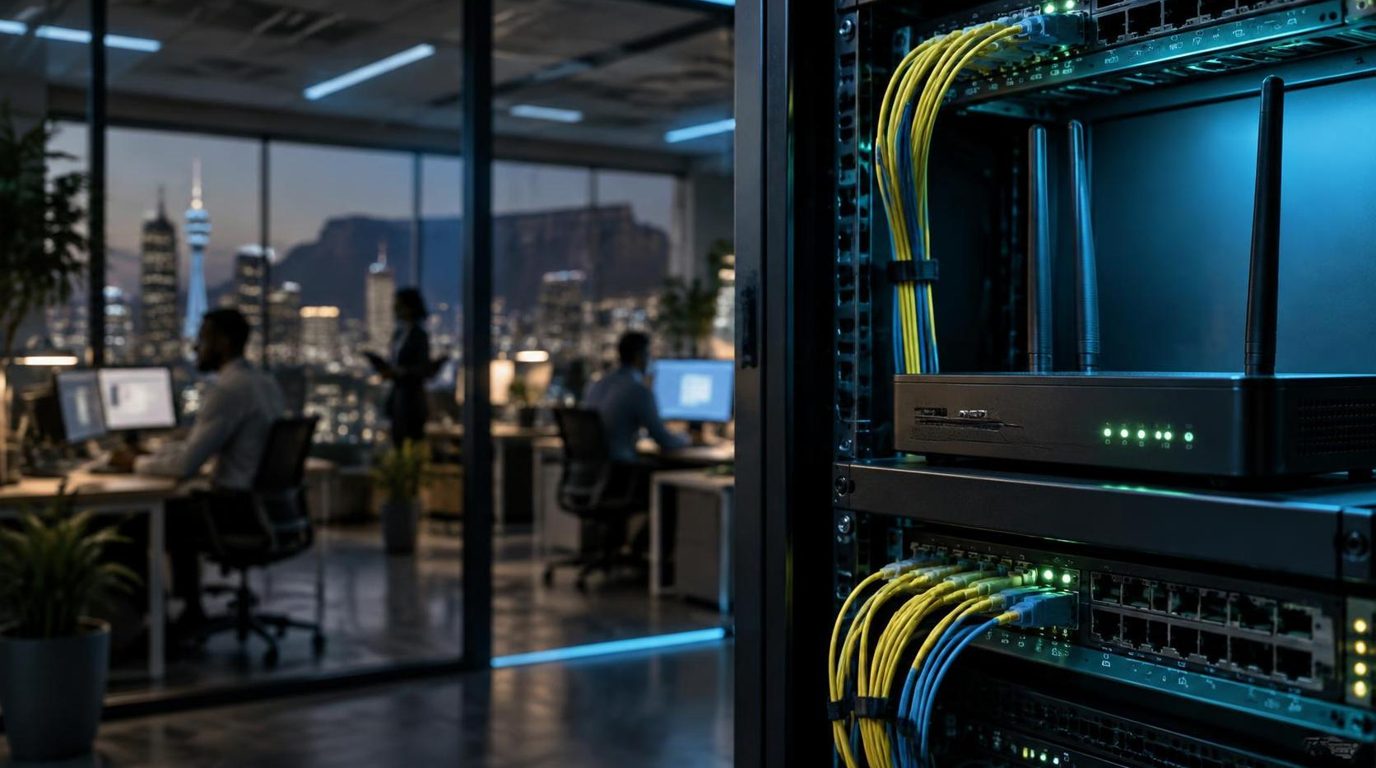
Fibre cuts, cable theft, power outages and undersea cable breaks all take businesses offline. How to design connectivity that keeps working when one link fails.
 Managed services
Cost, cover, skills, tooling and risk — an honest comparison of hiring IT staff, outsourcing to a managed service provider, or combining both.
Tell us what you're building. We'll bring the strategy, the platforms and the people to make it happen.